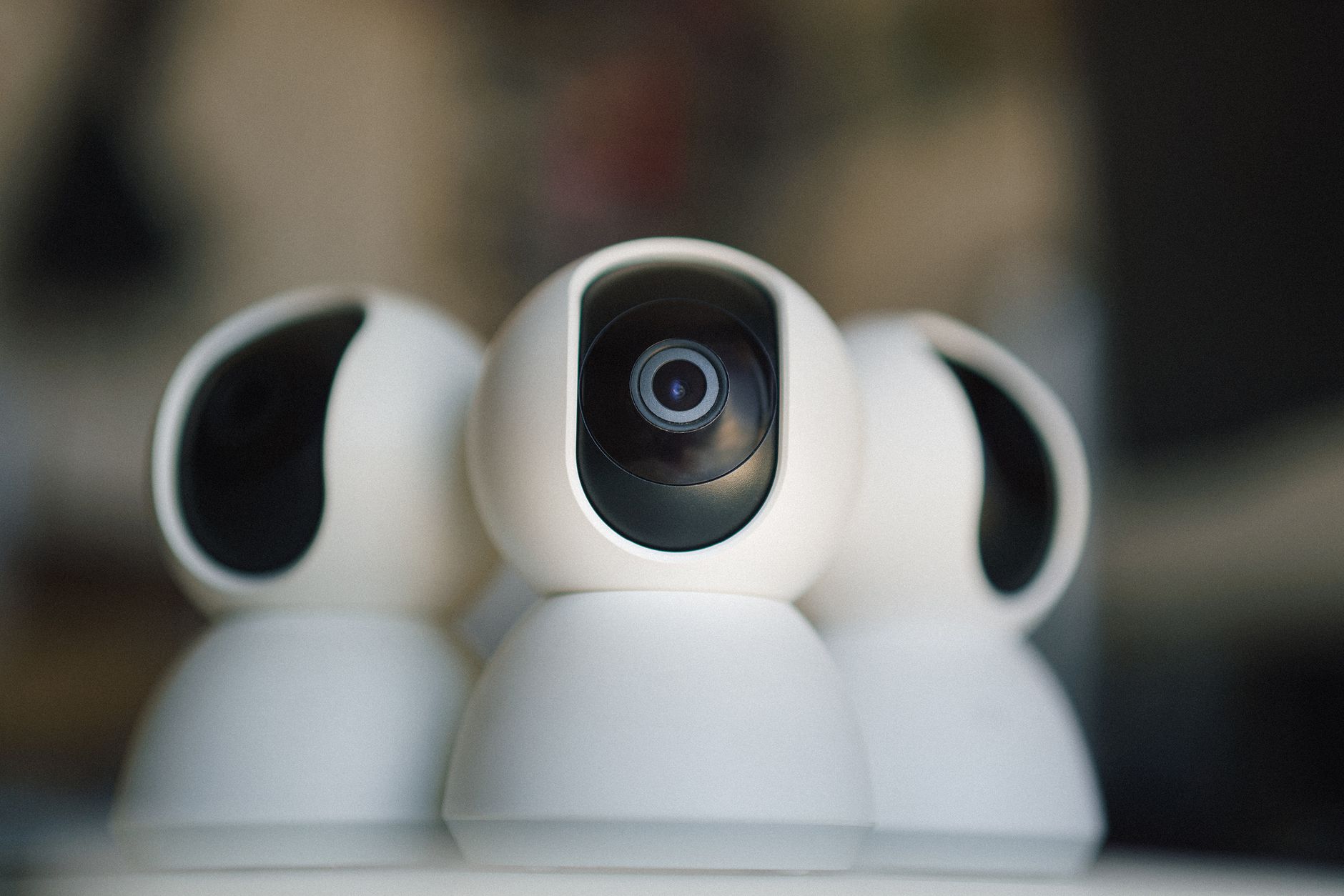
Not all IP cameras work equally well with Frigate NVR. The best cameras offer clean RTSP streams, reliable firmware, and good low-light performance at a reasonable price. This list covers the top options at every budget, all tested with Frigate object detection pipeline.
What to Look for in a Frigate-Compatible Camera
- RTSP support: Essential — Frigate ingests video via RTSP streams
- Substream support: A lower-resolution secondary stream for Frigate detection pipeline (saves CPU)
- Local access: Avoid cameras that only work through manufacturer apps
- PoE support: Powered over Ethernet for easier installation and reliability
- Good low-light performance: Color night vision is a significant upgrade over traditional infrared
Best Budget Picks (Under $50)
Reolink RLC-810A — $40–50
The go-to recommendation for Frigate beginners. 4K resolution, PoE-powered, excellent RTSP support with both main and substream, solid color night vision via spotlight, and active Frigate community support. The RTSP URL is well-documented and works reliably.
Reolink RLC-510A — $35–45
The 5MP sibling of the 810A. Slightly lower resolution but lower bandwidth requirements — useful when running many cameras on a single Frigate instance. Same excellent RTSP support and reliability.
Best Mid-Range Picks ($50–120)
Amcrest IP8M-2493EW — $70–90
4K PoE camera with excellent low-light performance and Amcrest well-documented API. Supports both RTSP and ONVIF. The Amcrest firmware is more configurable than Reolink — useful for advanced Frigate setups where you need to fine-tune detection zones and stream parameters.
Hikvision DS-2CD2385G1-I — $60–100
Hikvision makes some of the best CCTV cameras in the world. This 8MP dome camera has exceptional image quality, extremely reliable RTSP streams, and deep Frigate community support.
Best for Color Night Vision
Reolink RLC-823A — $60–80
Combines traditional infrared with a spotlight for full-color night vision. When motion is detected, the spotlight activates and Frigate captures footage in full color rather than black and white.
Cameras to Avoid for Frigate
- Wyze cameras (standard firmware): Require custom RTSP firmware to work with Frigate
- Arlo cameras: No RTSP support. Cloud-only. Not compatible with Frigate.
- Ring cameras: Proprietary, no RTSP, no local access. Avoid entirely for local NVR setups.
- Blink cameras: No RTSP support. Amazon ecosystem only.
PoE vs Wi-Fi: Which Should You Choose?
PoE cameras are strongly recommended for Frigate installations. A single Ethernet cable carries both power and data — no Wi-Fi interference, no battery charging, and significantly more reliable connectivity. Wi-Fi cameras occasionally drop connections, causing recording gaps and requiring Frigate restarts. A basic 8-port PoE switch costs $30–40 and can power 8 cameras.
All Picks at a Glance
| Camera | Price | Tier | Best for |
|---|---|---|---|
| Reolink RLC-810A | $40-50 | Budget | First Frigate build overall |
| Reolink RLC-510A | $35-45 | Budget | Many cameras on one Frigate instance |
| Amcrest IP8M-2493EW | $70-90 | Mid-range | Advanced detection zone tuning |
| Hikvision DS-2CD2385G1-I | $60-100 | Mid-range | Best raw image quality |
| Reolink RLC-823A | $60-80 | Mid-range | Full-color night vision |
Best Cameras for Frigate: FAQ
Do I need PoE, or can I use Wi-Fi cameras with Frigate? PoE is strongly recommended — a single Ethernet cable handles both power and a stable video feed, avoiding the dropped frames and detection gaps that Wi-Fi congestion causes on a busy network.
Will any camera with an app work with Frigate? No — Frigate needs a direct RTSP stream. Cloud-only cameras like Ring, Arlo, and standard Blink do not expose RTSP and cannot be used, regardless of price or popularity.
Is a higher resolution always better for Frigate? Not necessarily — higher resolution costs more CPU for object detection. A well-configured substream at a lower resolution often gives faster, more reliable detection than forcing Frigate to process a full 4K stream.
Making any of these truly local: block the camera’s internet
Here’s the part most “best camera” lists skip, and it’s the whole point of a no-cloud setup: a PoE camera streams to Frigate over your local network, but many still try to reach the manufacturer’s servers in the background — for firmware checks, time sync, or the phone app. A camera you can’t see out is a camera nobody else can see into. Three ways to lock it down, easiest first:
- Block it at the firewall. Give each camera a static IP and add a firewall rule denying that IP any WAN (internet) access. It keeps talking to Frigate locally and goes silent to the outside world. This is the cleanest fix and works on most routers.
- Put cameras on their own VLAN. A dedicated IoT/camera VLAN with no internet route contains every camera at once and stops them reaching — or being reached from — the rest of your network. Setup in our smart home VLAN guide.
- Sinkhole their DNS. If you run Pi-hole or AdGuard, blocking the vendor’s domains stops the phone-home without touching local streaming.
After you apply one of these, confirm it worked: the camera should still appear in Frigate, but its phone app should lose remote access. That’s exactly what you want — footage that lives only on your hardware. For remote viewing you control, reach Frigate through Tailscale instead of the camera’s cloud.
The one setting that saves your CPU: the substream
Whichever camera you pick, the setup step that matters most is telling Frigate to run object detection on the camera’s low-resolution substream, while recording the full-resolution main stream. Detecting on a 4K stream wastes enormous CPU for no benefit — the detector doesn’t need 4K to spot a person. Every camera on this list offers a substream for exactly this; using it is often the difference between a Raspberry Pi handling 2 cameras and handling 5. See the full build in Frigate NVR setup.
Free guide — no signup
Trying to cut the cloud out of your smart home? This is the whole map in one place.