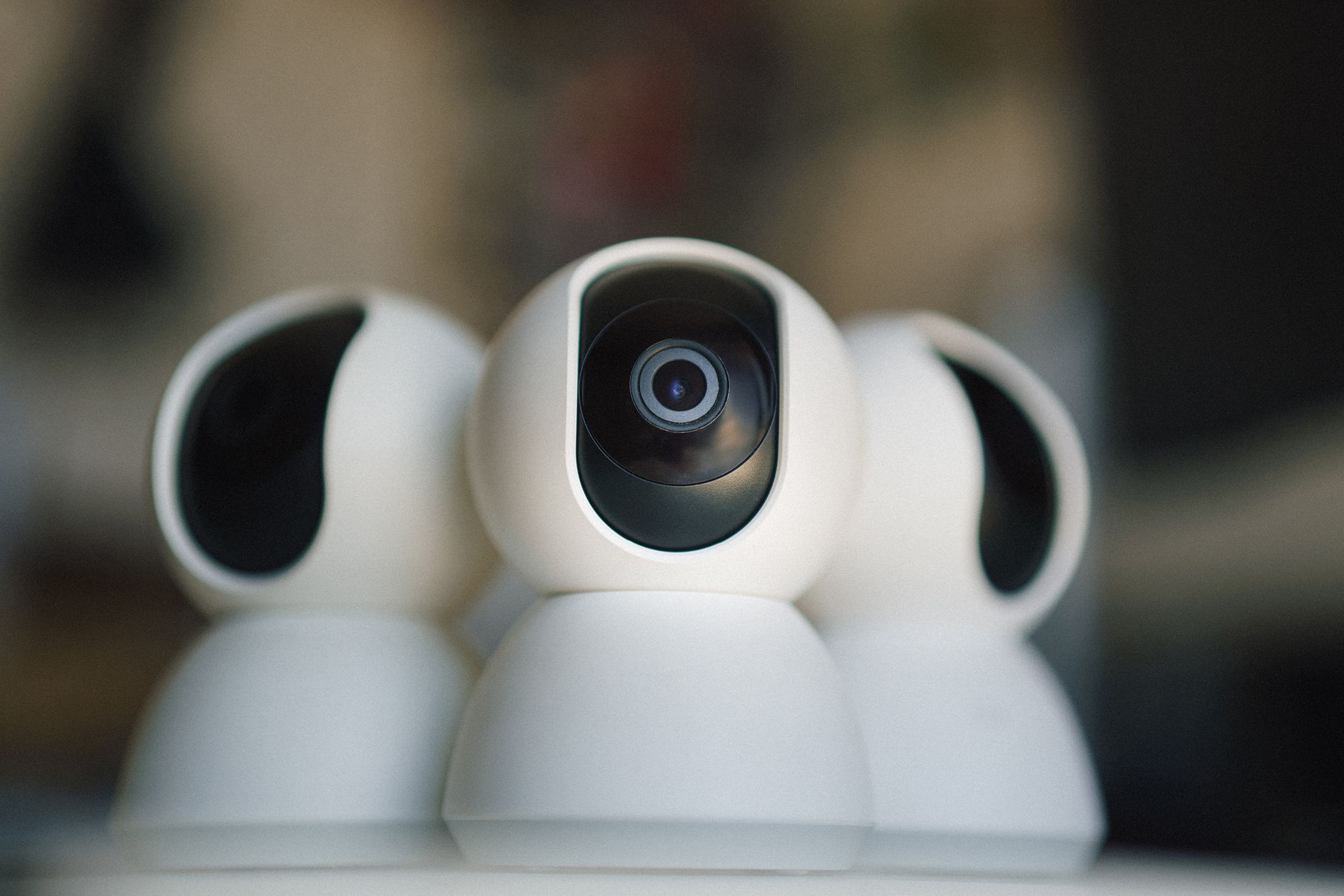
Reolink and Amcrest are the two most popular budget IP camera brands in the Home Assistant/Frigate community. Both support RTSP streaming, and both offer PoE models that work reliably with Frigate NVR. But they have different strengths. Here is a detailed comparison based on real-world Frigate usage.
Reolink
Reolink has become the go-to recommendation for Frigate beginners. Their cameras are well-documented, competitively priced, and have excellent Frigate community support.
Key Models for Frigate
- RLC-810A (4K, PoE, ~$40): The most recommended Frigate camera. 4K resolution, reliable RTSP streams, good night vision, spotlight option for color night video.
- RLC-510A (5MP, PoE, ~$35): Lower bandwidth option for multi-camera setups.
- RLC-823A (8MP with spotlight, PoE, ~$65): Color night vision via spotlight.
RTSP URLs
Main stream: rtsp://admin:PASSWORD@IP:554/h264Preview_01_main
Sub stream:  rtsp://admin:PASSWORD@IP:554/h264Preview_01_sub
Strengths
- Excellent price-to-performance ratio
- Consistent RTSP implementation across product line
- Good default firmware with minimal cloud phone-home behavior
- Large Frigate community, extensive configuration documentation
Weaknesses
- Less configurable than Amcrest/Hikvision
- Some models have limited exposure control
Amcrest
Amcrest produces rebranded Dahua cameras with Amcrest firmware. Dahua is a professional CCTV manufacturer, and Amcrest cameras offer more configuration depth than Reolink at comparable price points.
Key Models for Frigate
- IP8M-2493EW (4K, PoE, ~$70): Excellent low-light performance, comprehensive API, reliable RTSP.
- IP5M-T1179EW (5MP, PoE, ~$55): Strong mid-range option with good night vision.
RTSP URLs
Main stream: rtsp://admin:PASSWORD@IP/cam/realmonitor?channel=1&subtype=0
Sub stream:  rtsp://admin:PASSWORD@IP/cam/realmonitor?channel=1&subtype=1
Strengths
- More configurable — detailed exposure, WDR, and stream settings
- Dahua-grade image quality and low-light performance
- ONVIF compliance for wider compatibility
- Better WDR handling in mixed lighting
Verdict
Choose Reolink if you are building your first Frigate setup and want well-documented, community-supported cameras at the lowest possible price.
Choose Amcrest if image quality is your priority (especially in challenging lighting), you want more granular stream configuration, or you are building a more advanced Frigate installation where the extra configurability matters.
Many Frigate users run both — Reolink for standard coverage areas, Amcrest for locations with difficult lighting (facing windows, mixed indoor/outdoor).
Reolink vs. Amcrest: Quick Comparison
| Reolink | Amcrest | |
|---|---|---|
| Best for | First Frigate build, lowest cost | Image quality, advanced configuration |
| Configurability | Basic — fewer exposure/WDR controls | Deep — full exposure, WDR, stream tuning |
| Low-light performance | Good, spotlight color night vision | Excellent — Dahua-grade sensors |
| Community docs | Largest in the Frigate community | Strong, slightly less beginner-friendly |
| Entry price (PoE, 4K) | ~$40 (RLC-810A) | ~$70 (IP8M-2493EW) |
What About Lorex?
Lorex is a common third option shoppers compare against both Reolink and Amcrest, so it is worth a direct answer: Lorex cameras are consumer-focused, ship with a stronger emphasis on their own NVR/cloud ecosystem, and their RTSP support is less consistently documented across models than Reolink’s or Amcrest’s. For a Frigate build specifically, this makes Lorex the harder path — you will spend more time hunting for a working RTSP URL and confirming substream support model by model. Unless you already own Lorex cameras and want to reuse them, Reolink or Amcrest remain the more Frigate-friendly choice.
Reolink vs. Amcrest: FAQ
Can I mix Reolink and Amcrest cameras in the same Frigate setup? Yes — Frigate connects to each camera’s RTSP stream independently, so brands can be mixed freely. Many users run Reolink for standard coverage and Amcrest where image quality matters most.
Which is better for low light, Reolink or Amcrest? Amcrest, thanks to its Dahua-derived sensors — but Reolink’s spotlight-based color night vision closes much of the gap at a lower price on models like the RLC-823A.
Do either of these phone home to the cloud? Both offer local RTSP access without requiring their cloud apps, but check the specific firmware — some models default to cloud features that should be disabled for a fully local Frigate setup.
Side by side
| Reolink | Amcrest | |
|---|---|---|
| Price (4K PoE) | ~$40–50 (RLC-810A) | ~$70–90 (IP8M-2493EW) |
| Image / low light | Good | Better (Dahua sensor, WDR) |
| Configurability | Simpler, fewer knobs | Deep (exposure, WDR, streams) |
| ONVIF | Partial | Full |
| Frigate docs / community | Largest, easiest to copy | Good |
| Best for | First Frigate build, lowest cost | Image quality, fine control |
The technical detail that actually decides it for Frigate
Both brands work with Frigate, so the real question isn’t “which brand” — it’s whether you set up two things correctly, because they make more difference to your CPU than the badge on the camera:
- Run detection on the substream, not the main stream. Every camera here outputs two streams: a high-resolution main stream (record this) and a low-resolution substream (detect on this). Pointing Frigate’s
detectrole at a ~640×480 substream instead of the 4K main stream can cut CPU load by 10× or more. It’s the single biggest performance lever in Frigate, and it’s free. Both Reolink and Amcrest expose a clean substream (the_subandsubtype=1URLs shown above). - Prefer H.264 over H.265 for the detect stream. H.265 saves storage, but it’s harder on live viewing (many browsers can’t play HEVC) and can cause artefacts in Frigate’s pipeline. The reliable setup most people land on: H.265 main stream for recording, H.264 substream for detection and live view. Amcrest gives you finer per-stream codec control here; Reolink’s defaults are usually fine as-is.
Get those two right and a cheap Reolink performs as well in Frigate as a pricier camera. Get them wrong and even the best camera will peg your CPU. One more thing both share, and it matters on this site: their phone apps are cloud apps. The cameras stream locally over RTSP just fine — but to be certain nothing phones home, isolate them on your network (covered in best IP cameras for Frigate).
Free guide — no signup
Trying to cut the cloud out of your smart home? This is the whole map in one place.