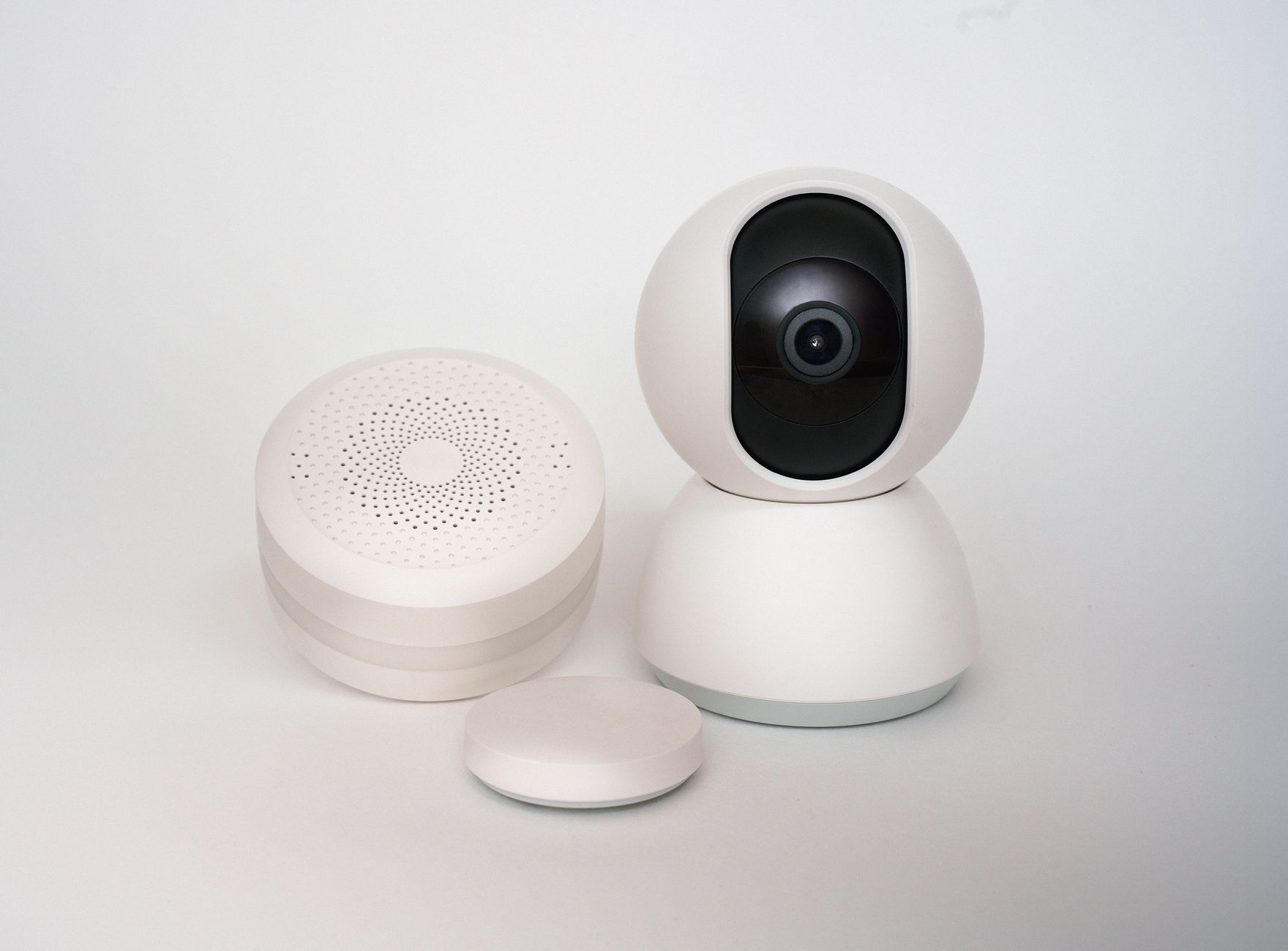
Door and window contact sensors are the foundation of any DIY home security system. These small, battery-powered devices alert you instantly when a door or window opens — and at $5–15 each, you can cover every entry point in your home for a fraction of the cost of a professional system. Here are the best Zigbee options for Home Assistant.
What Makes a Good Zigbee Contact Sensor?
- Reliable pairing with ZHA and Zigbee2MQTT
- Battery life of at least 1 year (ideally 2+)
- Fast reporting — state changes should reach Home Assistant within 1 second
- Small form factor — discreet enough for windows and interior doors
Top Picks
1. Aqara Door and Window Sensor P2 — Best Overall
Price: $12–15 each | Battery: CR2032, 5+ year life
Aqara P2 is compact, has exceptional battery life, and pairs reliably with both ZHA and Zigbee2MQTT. Reports open/close state in under 500ms. The magnetic design works on any gap up to 15mm — suitable for older windows with uneven frames. Also reports temperature as a bonus sensor.
2. Sonoff SNZB-04P — Best Budget Pick
Price: $8–10 each | Battery: CR2477, 3+ year life
Sonoff latest contact sensor is a significant improvement over their older SNZB-04. Faster response, better Zigbee range, and a slightly larger battery for longer life. At under $10, it is hard to beat for covering multiple windows economically.
3. IKEA PARASOLL — Best for Aesthetics
Price: $7–9 each | Battery: CR2032
IKEA Zigbee sensor is minimalist in design — the white finish is almost invisible on white door frames. Pairs natively with Home Assistant via ZHA. Ideal for interior doors and anyone who prioritizes aesthetics.
4. Third Reality Door Sensor — Best for Thick Gaps
Price: $10–12 each | Battery: AAA, long life
Uses standard AAA batteries (easier to replace than coin cells) and has a longer magnet separation distance — works reliably on older doors with larger gaps or warped frames. Pairs easily with ZHA.
5. Frient Door Sensor — Best Range
Price: $20–25 each | Battery: CR2032
Frient is a European Zigbee manufacturer known for robust radio implementations. The Door Sensor has exceptional range — useful for basement windows or outbuildings at the edge of Zigbee range.
Installation Tips
Door alignment: Install the sensor body on the frame and the magnet on the door. The sensor should be no more than 10mm from the magnet when closed.
Battery replacement: In ZHA or Zigbee2MQTT, enable battery reporting. Create a Home Assistant automation that notifies you when any sensor drops below 15% battery.
Mesh strengthening: Battery-powered contact sensors do not act as Zigbee repeaters. Ensure you have enough mains-powered Zigbee devices (plugs, bulbs) to build a robust mesh network.
How Many Do You Need?
For a typical home, prioritize in this order: front door, back door, garage entry door, ground floor windows (all of them), basement windows and access points, and second floor windows accessible from below (porch roofs, trees).
Real-world battery life
Manufacturer claims of “2–5 years” hold up reasonably well for contact sensors specifically, since they only report on state change rather than continuously — a door that opens 10–20 times a day realistically sees 18–30 months per CR2032 coin cell in practice, less in a well-used entry, more on a rarely-opened window. Cold locations (an unheated porch or garage door sensor) drain batteries meaningfully faster than the manufacturer’s room-temperature testing assumes.
Troubleshooting false triggers
A sensor that reports “open” while the door is clearly closed is almost always a magnet alignment problem — the sensor and its magnet half need to stay within a few millimeters of each other, and door settling over months (hinges loosening, weatherstripping compressing) can drift them out of range. Reposition the magnet slightly closer before assuming the sensor itself is faulty; it usually isn’t.
Tamper detection is worth enabling
Most Zigbee contact sensors include a tamper switch that triggers if the unit is physically removed from its mounting — a detail easy to overlook when just wiring up the open/closed state. Exposing this as a separate binary sensor and adding it to your alarm automation catches someone trying to remove or disable a sensor before breaking in, not just the break-in itself.
Free guide — no signup
Trying to cut the cloud out of your smart home? This is the whole map in one place.