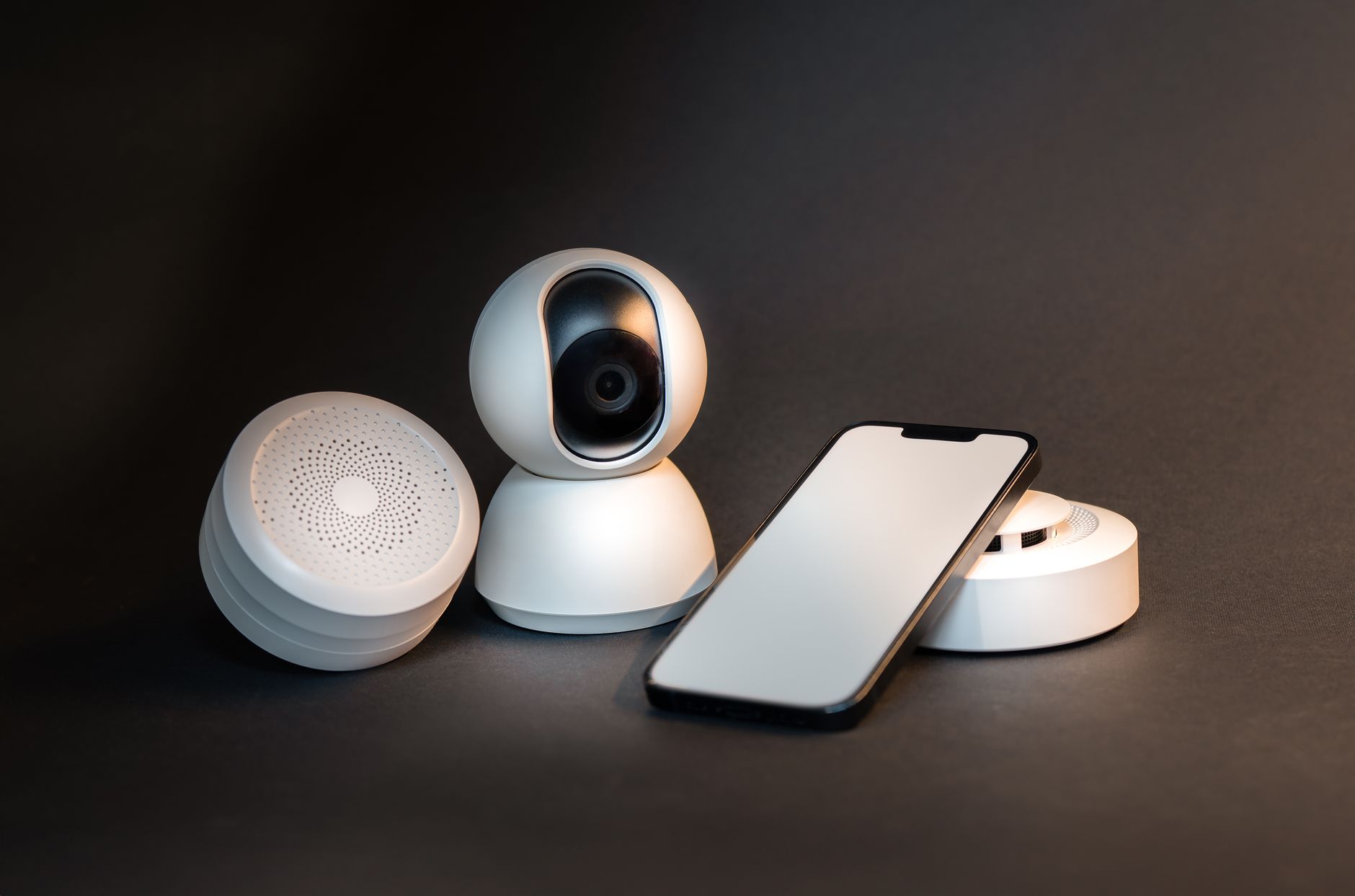
Not all Home Assistant integrations are created equal. Some route commands through manufacturer cloud servers, introducing latency and a single point of failure. These 12 integrations communicate entirely within your local network — no cloud, no internet dependency, no subscription.
1. Zigbee Home Automation (ZHA)
ZHA is Home Assistant built-in Zigbee integration. Pair a USB Zigbee coordinator and you have direct, local control of thousands of Zigbee devices — sensors, bulbs, switches, and plugs — with zero cloud involvement. Response times under 100ms are common.
2. Z-Wave JS
The official Z-Wave integration for Home Assistant. All communication happens locally via your Z-Wave USB stick. Excellent for door locks, thermostats, and security devices that demand reliability.
3. Frigate NVR
Full-featured local network video recorder with AI-powered person, vehicle, and animal detection — entirely on your hardware. Integrates deeply with Home Assistant for automations like “send camera clip when person detected at front door.”
4. ESPHome
Flash cheap ESP32 or ESP8266 microcontrollers to create custom sensors, switches, and controllers that communicate directly with Home Assistant via local API. Build your own temperature sensor, soil moisture monitor, or custom button panel for a few dollars.
5. Shelly
Shelly smart relays, dimmers, and plugs support a local REST API and MQTT — no Shelly cloud account needed. Install them behind existing switches to add smart control without rewiring. The local API is fully supported in Home Assistant.
6. MQTT (Mosquitto)
Run a local MQTT broker (Mosquitto is available as a Home Assistant add-on). Any MQTT-compatible device — Zigbee2MQTT, Tasmota-flashed devices, ESPHome sensors — publishes and subscribes locally. MQTT is the backbone of many local smart home setups.
7. Tasmota
Open-source firmware for ESP8266/ESP32-based smart plugs and switches. Tasmota communicates via local MQTT or HTTP, completely bypassing manufacturer clouds. Turns a $10 smart plug into a fully local, privacy-respecting device.
8. Philips Hue (Local Polling)
The Hue integration in Home Assistant communicates with the Hue Bridge on your local network — not through Philips cloud. No internet required for Hue control once the integration is set up.
9. Local Calendar
Home Assistant local calendar integration stores events on your Home Assistant instance. Use it to trigger automations based on scheduled events without relying on Google Calendar or any external service.
10. Wyoming (Local Voice Assistant)
The Wyoming integration powers Home Assistant local voice assistant pipeline using Whisper (speech recognition) and Piper (text-to-speech). 100% on-device processing — your voice commands never leave your home.
11. Bluetooth
Home Assistant can detect and integrate Bluetooth devices — including Bluetooth thermometers (Govee, Xiaomi), presence detection via phone Bluetooth, and various sensors. All processing is local.
12. Local Network Device Monitoring
Home Assistant can monitor your printer ink levels, NAS drive health, router status, and dozens of local network services — all without internet access. The integration library at home-assistant.io/integrations shows the full breadth of local options.
How to Check If an Integration Is Local
When viewing an integration in Home Assistant, look for the IoT class indicator. Look for “Local Push” or “Local Polling” — these communicate locally. Avoid “Cloud Push” or “Cloud Polling” if local control is your priority.
The gotchas each protocol doesn’t advertise
“Local” isn’t always as simple as the integration name suggests:
- ZHA: some Zigbee devices need a specific firmware version on your coordinator to be recognized correctly — a device that “shows up wrong” is more often a coordinator firmware problem than a broken device.
- Z-Wave JS: a device included without S2 security (skipped during pairing) will work, but silently without encryption — worth re-checking for anything security-related, like the locks covered elsewhere on this site.
- Local Push vs. Local Polling: both are genuinely local, but polling integrations check device state on an interval (state can lag by seconds) while push integrations update instantly — matters for anything time-sensitive like a door sensor feeding a security automation.
ESPHome: the escape hatch for anything unsupported
When a device you own has no local integration at all — an oddball sensor, an old dumb appliance you want to add a relay to — ESPHome lets you flash a cheap ESP32 or ESP8266 microcontroller with custom firmware that talks natively and locally to Home Assistant, with no cloud component to strip out because you wrote the firmware yourself. It’s the difference between hoping a manufacturer eventually goes local and simply not needing them to.
Free guide — no signup
Trying to cut the cloud out of your smart home? This is the whole map in one place.