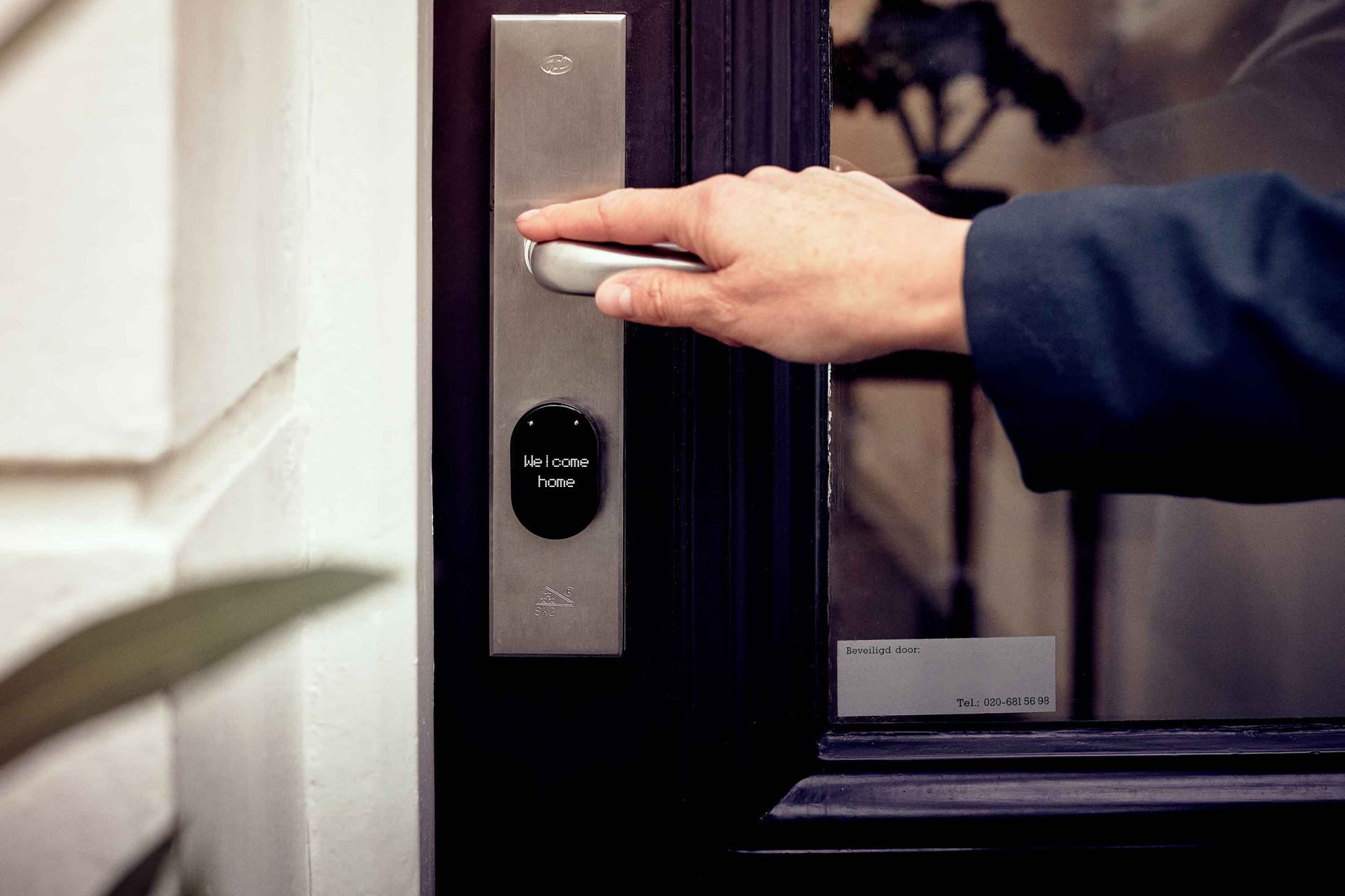
Z-Wave is the gold standard protocol for smart locks. Dedicated security encryption, excellent battery life, proven reliability, and full local control make it the right choice for anyone serious about subscription-free home access control.
Why Z-Wave for Door Locks Specifically?
- Security: Z-Wave S2 uses AES-128 encryption for all commands — essential for a device that controls physical access to your home
- Battery life: Z-Wave low-power design means most smart locks run 6–12 months on AA batteries
- Frequency: 800–900MHz penetrates walls better than 2.4GHz (Wi-Fi/Zigbee), important since locks are often in exterior walls
- Certification: Z-Wave Alliance certification ensures Schlage, Yale, Kwikset, and others are tested for interoperability
- Local codes: All Z-Wave locks store access codes locally — they work even if your hub is offline
The Z-Wave Lock Ecosystem
Schlage
The professional choice. Schlage BE469ZP and B60N are ANSI Grade 1 deadbolts — the highest residential security rating. Schlage Z-Wave implementation is clean and well-supported in Z-Wave JS. Their keypad design is intuitive and the tactile feedback is excellent. Recommended for front doors and primary entry points.
Yale
Yale offers more form factor variety — including the Assure Lock 2 (no key cylinder, keypad-only) and various finishes. Yale Z-Wave implementation is equally solid. The no-key-cylinder design is popular for those who want to eliminate the traditional key entirely.
Kwikset
Kwikset offers more affordable Z-Wave locks with SmartKey rekeying. Build quality is a step below Schlage/Yale but their Z-Wave implementation works reliably in Home Assistant.
Ultraloq
The feature leader in the Z-Wave lock space. Fingerprint recognition, NFC, proximity unlock via app, plus traditional keypad and key. The fingerprint sensor is genuinely useful for hands-free entry when carrying groceries.
Essential Home Assistant Configuration
Notification Templates for Access Events
Home Assistant Z-Wave JS integration exposes event data when codes are used. You can create automations that notify you which specific code was used and fire the siren and sends a notification when the alarm triggers:
trigger:
  - platform: event
    event_type: zwave_js_value_notification
    event_data:
      node_id: YOUR_LOCK_NODE_ID
      command_class_name: Door Lock
action:
  - service: notify.mobile_app_your_phone
    data:
      message: "Front door accessed"
Battery Monitoring
Create a monthly automation that sends a notification when any lock drops below 20% battery. Z-Wave JS exposes battery level as a sensor entity.
Vacation Mode
When all household members are away (using presence detection), disable all guest codes automatically and re-enable them on return. This prevents service providers or short-term guests from accessing the home when no one is there to supervise.
Installation Best Practices
Include near the hub, install at the door: Always pair new Z-Wave devices close to your hub for a clean inclusion, then move them to their final location.
Range extenders for exterior walls: A Z-Wave plug-in module (like the Aeotec Range Extender 7, ~$25) placed near the lock significantly improves reliability in thick-walled homes.
Avoid Z-Wave interference: Keep the Z-Wave coordinator away from the Wi-Fi router (at least 1 meter separation) to avoid interference.
Z-Wave Long Range: the option for gates and detached buildings
Standard Z-Wave has a mesh range of roughly 30–40 meters between devices, extended hop-by-hop through other Z-Wave devices in your home. For a detached garage, a gate at the end of a long driveway, or a guest house, that mesh may not reach. Z-Wave Long Range (Z-Wave LR), introduced with the 800-series chipset, changes the model entirely: instead of hopping through a mesh, it connects directly to the coordinator over a much longer range — up to a claimed 1 mile line-of-sight, though real-world results with obstructions are far less. It also supports far more devices per network (up to 4,000 vs. Z-Wave classic’s 232).
The practical catch: Z-Wave LR devices need an 800-series coordinator and, as of 2026, the ecosystem is still growing — check that a specific lock explicitly supports LR mode before relying on it for a detached structure. For anything within a normal home’s footprint, standard Z-Wave with a repeater (covered above) remains simpler and is what the mainstream Schlage/Yale/Kwikset locks in this guide use.
Sizing a Z-Wave lock network for multiple doors
One lock is trivial. A property with 4–6 doors — a rental, a house with a detached unit, or just a security-conscious multi-entry home — needs a bit more planning:
- Every mains-powered Z-Wave device repeats the signal for battery-powered ones like locks. A property with several Z-Wave smart plugs or in-wall switches already has a stronger mesh than one relying on locks alone to relay each other (locks are usually sleeping to save battery, so they’re poor repeaters).
- Stagger inclusion, don’t batch it. Add and fully test one lock at a time rather than including all of them in one session — it makes it far easier to spot which specific device is causing a range or interference problem if something doesn’t work.
- Keep a numbering scheme in Home Assistant (Front Door, Garage Door, Guest House Door) from the start. It sounds obvious until you have six similarly-named lock entities and a 2am alert with no clear location.
Free guide — no signup
Trying to cut the cloud out of your smart home? This is the whole map in one place.