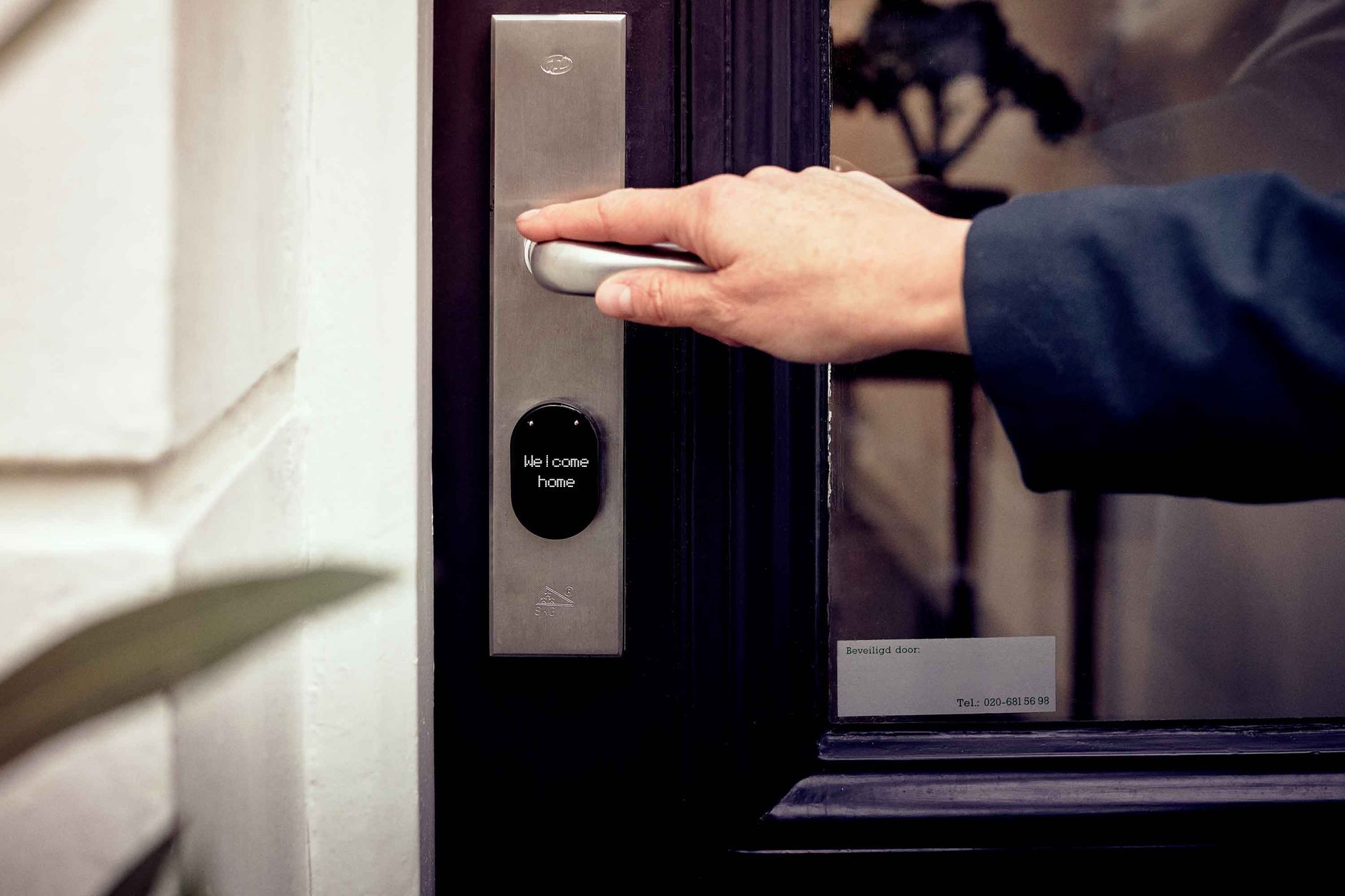
Most smart lock manufacturers want you on a monthly plan — cloud bridge subscriptions, remote access fees, or activity log storage costs. These smart locks work without any subscription, offer local control via Z-Wave or Zigbee, and integrate directly with Home Assistant.
What Makes a Smart Lock Subscription-Free?
- Works without any ongoing fees
- Supports local protocols (Z-Wave, Zigbee, or local Wi-Fi API)
- Retains full functionality if the manufacturer cloud shuts down
- Stores access codes locally on the lock hardware
Top Picks for 2026
1. Schlage BE469ZP — Best Overall
Protocol: Z-Wave Plus | Price: $140–170
Schlage commercial-grade build quality meets Home Assistant Z-Wave JS integration. The BE469ZP stores up to 100 access codes locally on the lock — all management happens through Home Assistant with no Schlage account required. Battery life is excellent (6–12 months). ANSI Grade 1 deadbolt — the highest residential security rating.
2. Yale YRD256 Assure Lock 2 — Best with Z-Wave
Protocol: Z-Wave Plus | Price: $130–160
Yale Assure Lock 2 is a slightly slimmer alternative to Schlage. No key cylinder (keypad/phone only) for a clean look. Up to 250 codes stored locally. Works identically to the Schlage in Z-Wave JS — full Home Assistant integration with no subscription.
3. Kwikset SmartCode 888 — Best Budget Option
Protocol: Z-Wave Plus | Price: $90–120
Kwikset Z-Wave lock at a more accessible price. 30 code slots, reliable Z-Wave implementation, includes a physical key backup. Build quality is a step below Schlage/Yale but perfectly adequate for residential use.
4. August Smart Lock Pro — Best Retrofit
Protocol: Z-Wave Plus (via bridge) or HomeKit | Price: $180–220
The August installs on the inside of your existing deadbolt — no exterior hardware change, preserving your existing keys. Useful for renters or homes with matching key requirements.
5. Ultraloq U-Bolt Pro Z-Wave — Best Feature Set
Protocol: Z-Wave Plus | Price: $160–200
Six access methods (fingerprint, code, phone, key card, NFC, key), 100 user codes, fingerprint recognition for hands-free entry. The Z-Wave module provides full Home Assistant integration.
Why Z-Wave Is the Right Protocol for Smart Locks
- Operates at 800–900MHz, avoiding Wi-Fi interference
- Z-Wave certification ensures interoperability between brands
- Designed for battery-powered devices — exceptional battery life
- Supports AES-128 encryption for all communication
- Codes are stored locally on the lock hardware — work even without any hub
Locks to Avoid
August Wi-Fi Smart Lock (non-Pro): Requires August cloud for remote access. Without a subscription, you lose remote unlock and activity logs. Nest x Yale Lock: Requires Google Nest ecosystem and internet connectivity for most features. Ring Alarm Lock: Cloud-dependent, requires Ring subscription for full functionality.
Quick comparison
| Lock | Price | Codes stored locally | Grade | Best for |
|---|---|---|---|---|
| Schlage BE469ZP | $140–170 | 100 codes | ANSI Grade 1 | Front door, best build |
| Yale Assure Lock 2 | $130–160 | 250 codes | ANSI Grade 2 | No-key look, many guests |
| Kwikset SmartCode 888 | $90–120 | 30 codes | ANSI Grade 2/3 | Budget, secondary doors |
| August Smart Lock Pro | $180–220 | Via bridge only | N/A (retrofit) | Keeping existing deadbolt |
Subscription traps that aren’t obvious upfront
“No subscription required” on a product page doesn’t always mean what you’d hope. Watch for these before buying:
- The bridge is free, but advanced features aren’t. Some locks (the August/Level style) work locally for basic lock/unlock, but activity history, remote access, or auto-lock scheduling silently require the vendor’s app and account — which can add a paywall later even if it’s free today.
- “Works offline” vs. “works local.” A lock can function without internet but still refuse to talk to anything except its own app over Bluetooth — that’s offline, not local, and Home Assistant can’t integrate with it directly.
- Firmware-locked features. A few brands have shipped updates that moved a previously-local feature behind a new subscription tier after purchase. Z-Wave locks in this guide store codes on-lock by protocol design, which structurally can’t be taken away by an app update.
The real 5-year cost
Sticker price isn’t the whole story. Over 5 years, a Z-Wave lock needs roughly 5–10 sets of AA batteries (~$15–25 total) and nothing else. Compare that to a cloud lock with a $4–8/month remote-access plan: $240–480 over the same 5 years, on top of the hardware. The subscription, not the lock, is where the real money goes — which is exactly the cost this whole guide exists to avoid.
Free guide — no signup
Trying to cut the cloud out of your smart home? This is the whole map in one place.